Designing with
Claude Design
What we'll cover.
What it is
The tool, who it's for, and the one loop it runs on.
What it makes
The full range of output - and why it stays on-brand.
See it live
Real sites built with it, and where to go next.
It answers UX questions with working, clickable screens - and reads your design system before it designs anything.
Working, clickable screens
Real, interactive artifacts - not pictures of screens.
Your design system
Handed over as context - that's what keeps output on-brand.
Taste and the final call
It executes; you decide what's right. Priorities remain yours.
Collaboration, built in
Share a workspace - comment, review and refine together, not in silos.
Four people - and what each gets.
Managers
Weighing whether to adopt - you get a clear-eyed case, proof over hype, judged in an afternoon.
Designers
Doing the work - hand over your design system, get back clickable prototypes, not static mockups.
The system owner
A role, not a title - one senior designer or a whole DesignOps team. Whoever keeps the brand consistent.
Developers
The output is real, working code - a running head start or a handoff that already works, not a flat comp.
It's one tight loop.
Bring your design system
Hand it over as context.
Describe what you want
A screen, a deck, any artifact.
Generate
A clickable result - not a mockup.
Review & refine
↺ Steps 3-4 loop until it's right.
Built to work across text, image, and code.
Tokens of context - a full brief and brand system in view at once.
Text, image, and code handled in a single conversation.
From a blank file to something concrete to react to.
The value isn't raw speed - it's fitting more cycles of judgment into the same afternoon.
What it speeds up - and what stays yours.
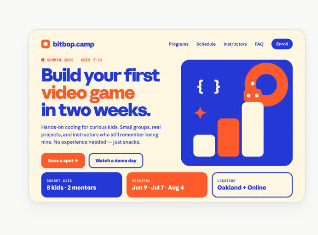
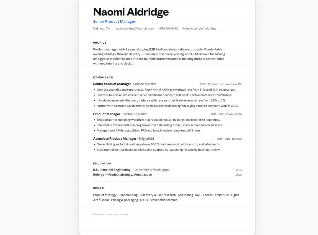
Product, screens & documents.
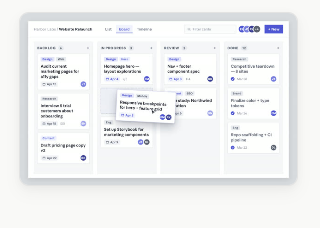
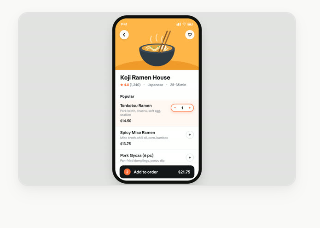
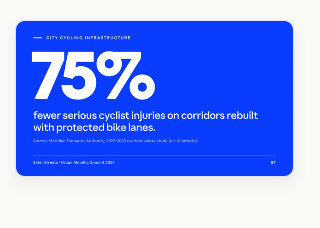
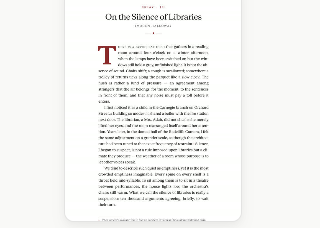
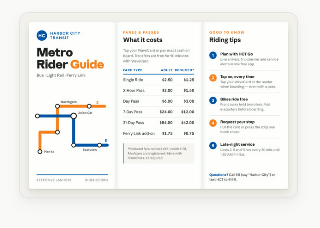
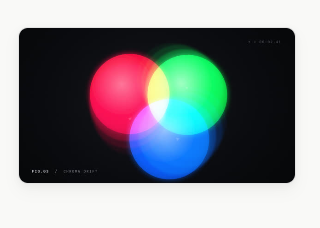
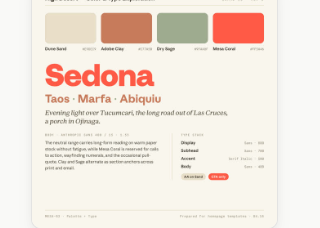
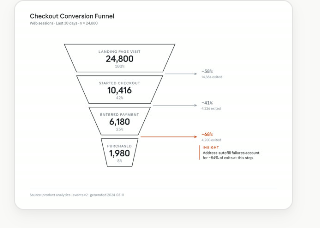
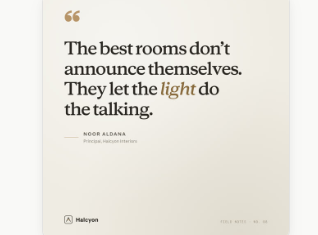
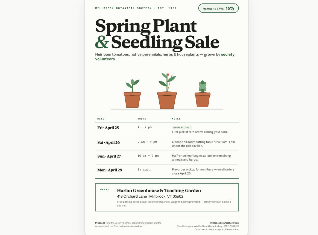
Brand, print & motion.
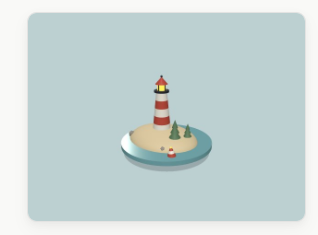
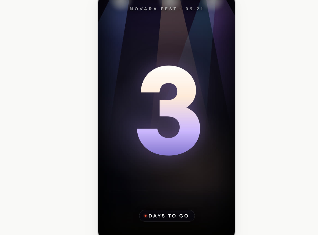
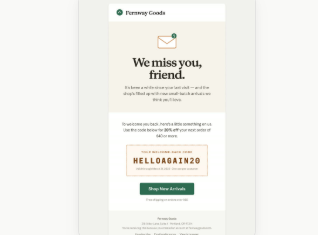
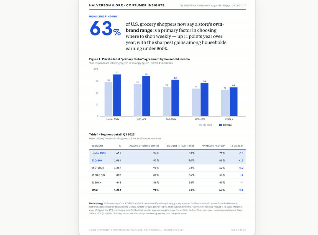
Why does AI output look generic? The system was never written down.
vibes in, generic out
Vibes - “a warm, friendly, rounded feel.” The tool has to guess.
Values - the file on the right. The tool just executes it.
Write your system as concrete values and the output stops looking generic - because it is built from your rules, not a guess.
The prompt is the brief.
Give it the brief
Share the goal, the audience, and the constraints. Treat it like onboarding a new designer.
Bring references
Paste examples, screenshots, or brand guidelines. It matches what it can actually see.
Iterate out loud
React to what it makes. Each round of plain feedback moves it closer to your intent.
See it live - real sites, real systems.
Different brand, same workflow.
Everything, one page.
StackNova
A knowledge library for builders
Designed and shipped in Claude Design.