
What is GPT Image?
GPT Image is OpenAI's family of image generation models. It is the same lineage that powers image creation inside ChatGPT, made available to developers through the OpenAI API: send a text prompt, optionally send one or more reference images, get image bytes back. The name is a family, not a single model - today it covers gpt-image-2, gpt-image-1.5, gpt-image-1, and gpt-image-1-mini.
The family started with gpt-image-1 in April 2025, when OpenAI brought the natively multimodal model behind ChatGPT's image feature into the API. The consumer surface came first and the API followed: OpenAI's launch post reported over 130 million users creating more than 700 million images in ChatGPT before developers could call the model directly.
"Natively multimodal" is the part that matters for how it behaves. The model is not a separate diffusion system bolted onto a chat product - it understands the prompt with the same world knowledge the text models have, which is why it can be told to render a plausible airport departure board or a labelled diagram rather than an abstract impression of one.
What it looks like
Twenty outputs, unretouched. The set leans deliberately on typography, because in-image text is where image models used to fail hardest and where this family improved most - including in Cyrillic, which is a stricter test than English.
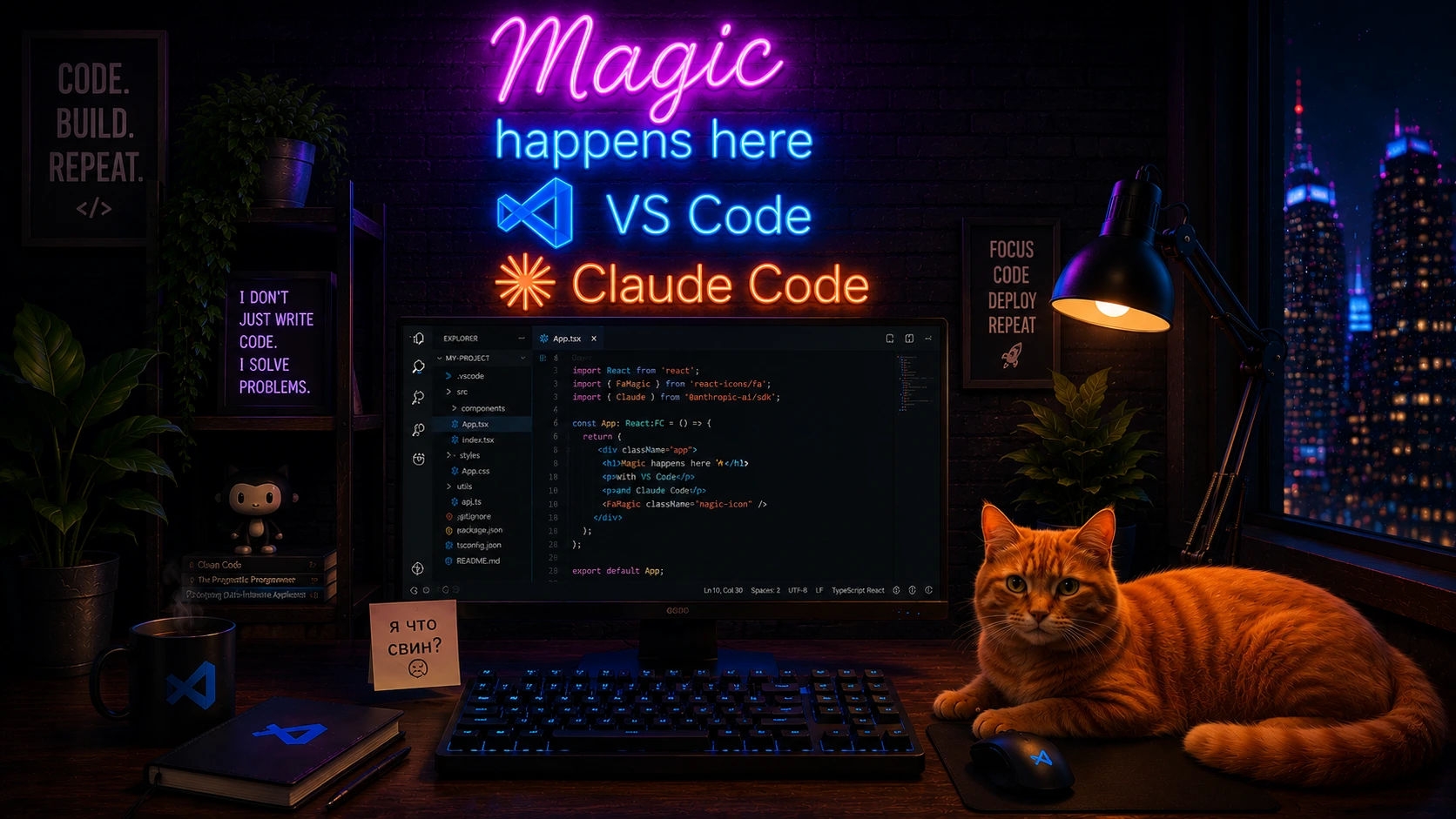
Neon signage, a legible editor UI, and a rendered room in one shot. Three kinds of text, all readable.
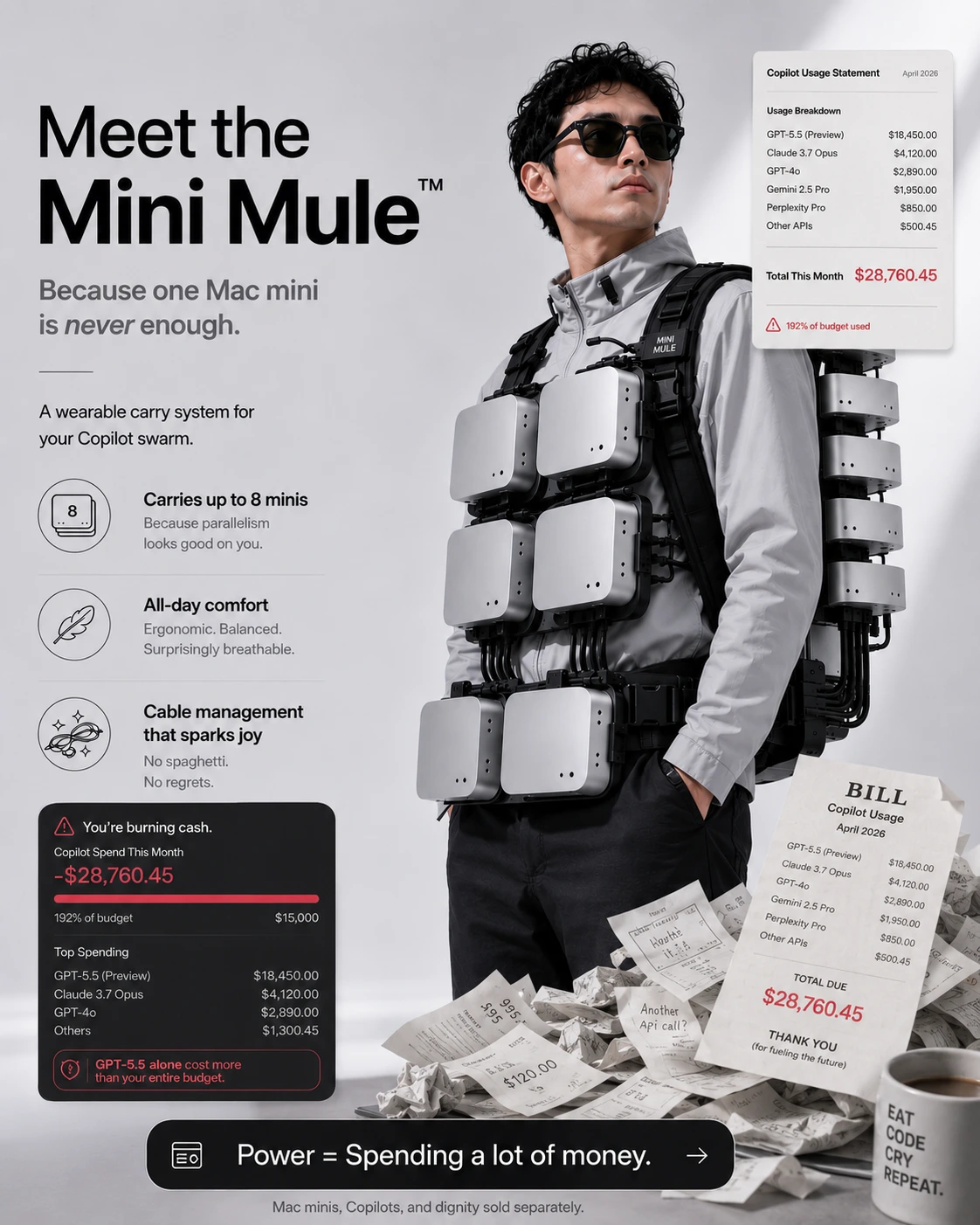
A full spec sheet: headline, feature rows, and two itemised tables of numbers that line up.
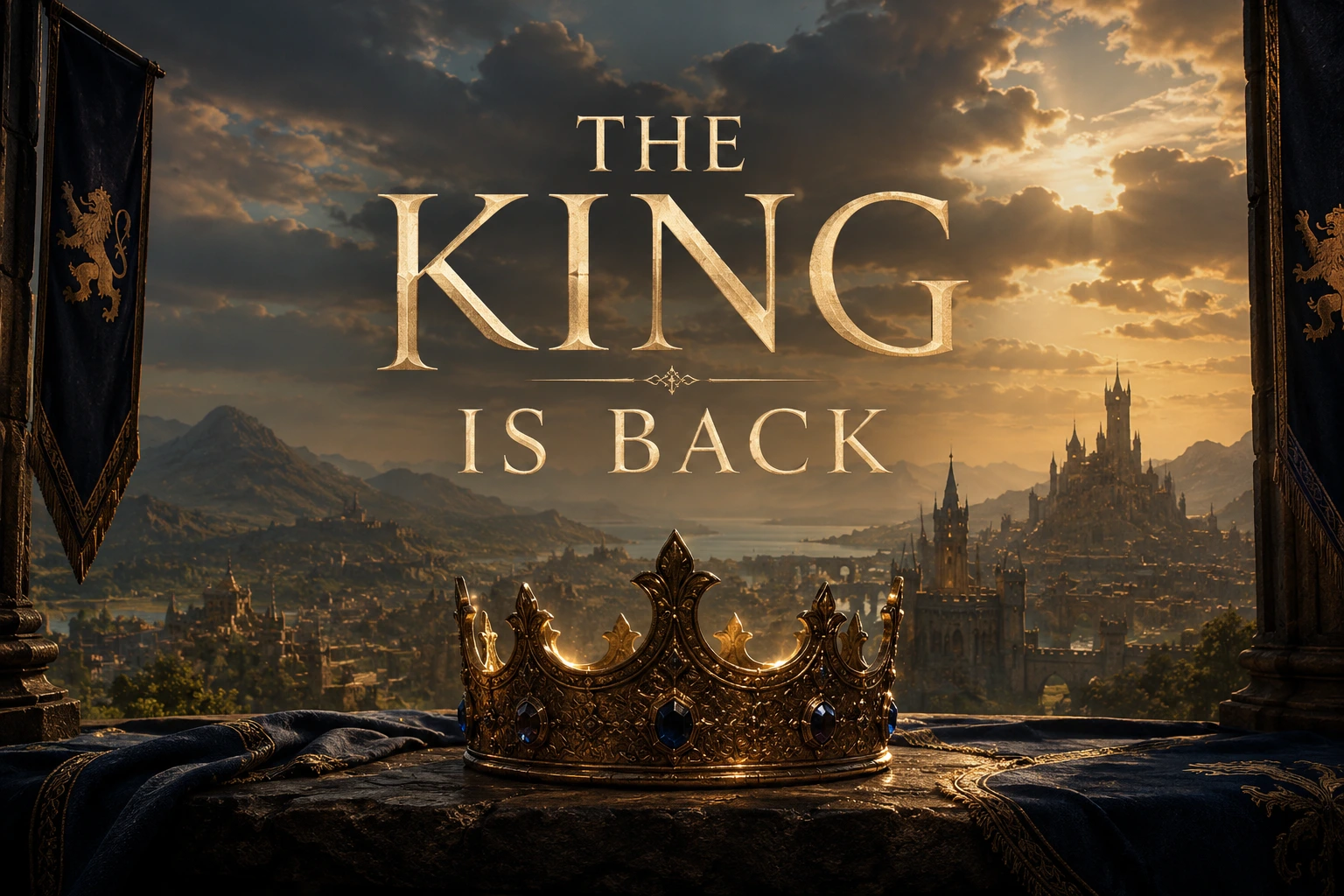
Poster key art. Ornate display type set into the scene, lit by the same sun as the landscape.
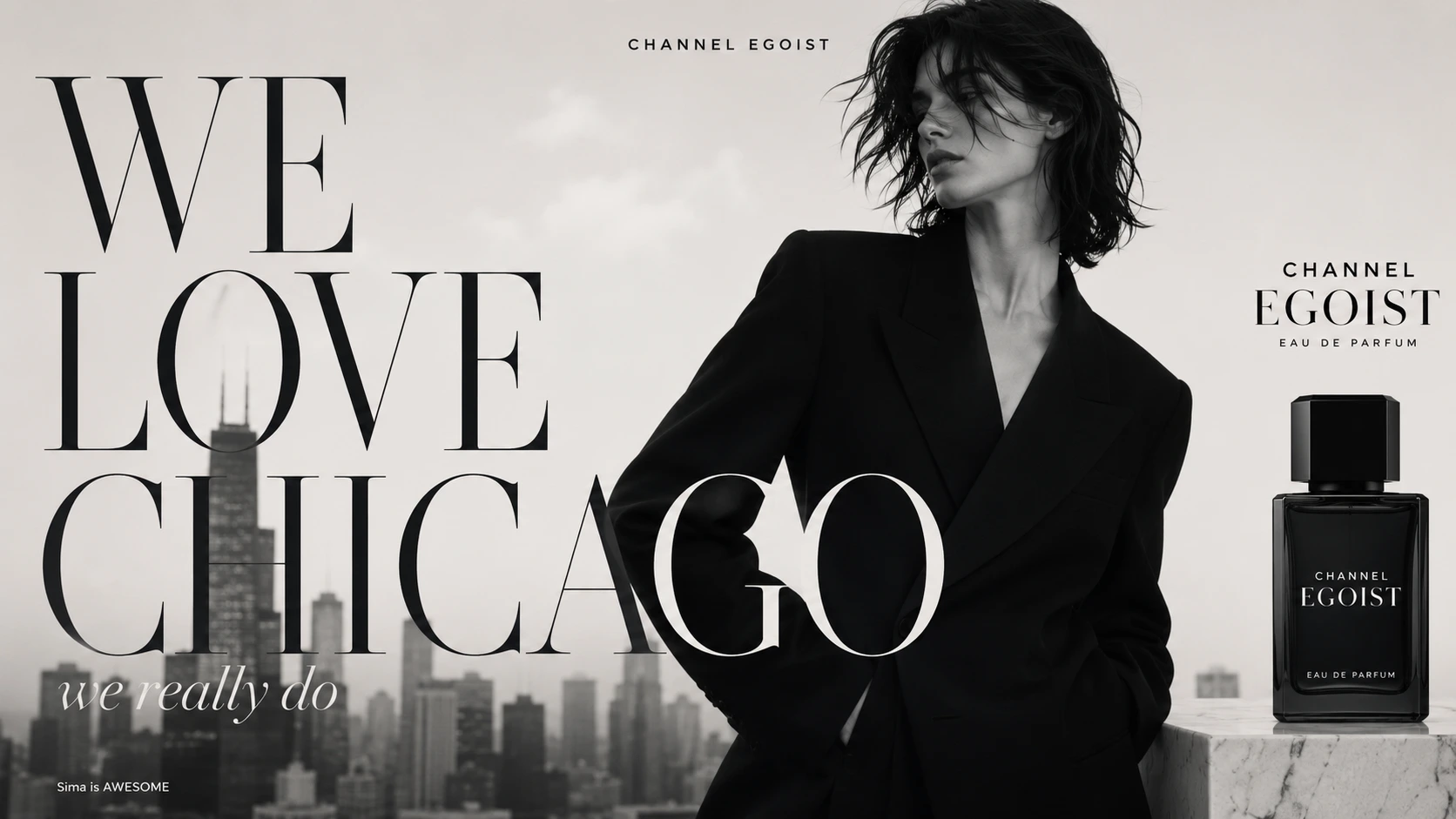
Editorial layout. The type wraps the subject, and the O of CHICAGO passes behind her shoulder without breaking.
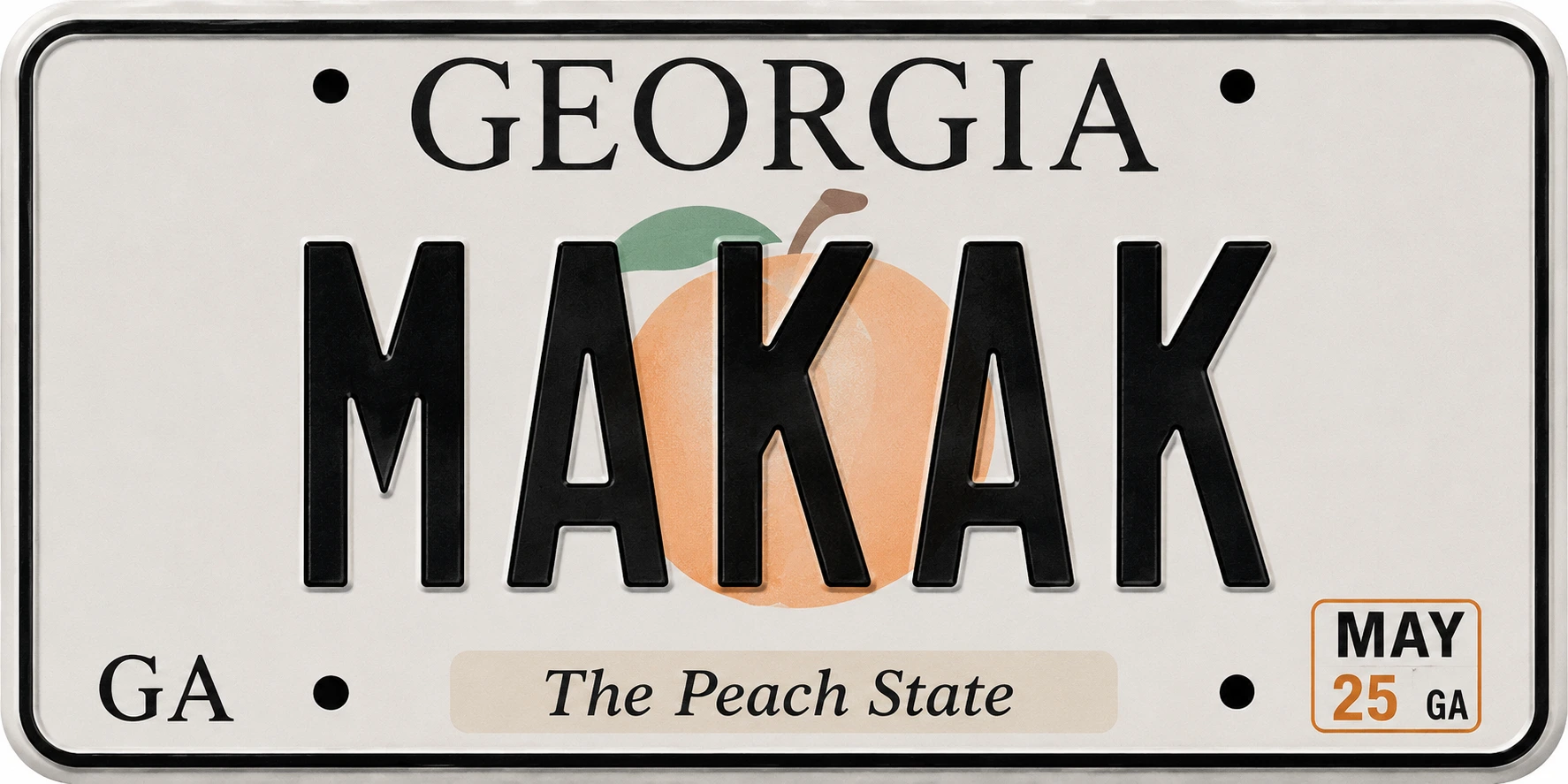
Small-text accuracy. State name, slogan, and month sticker all survive at thumbnail size.
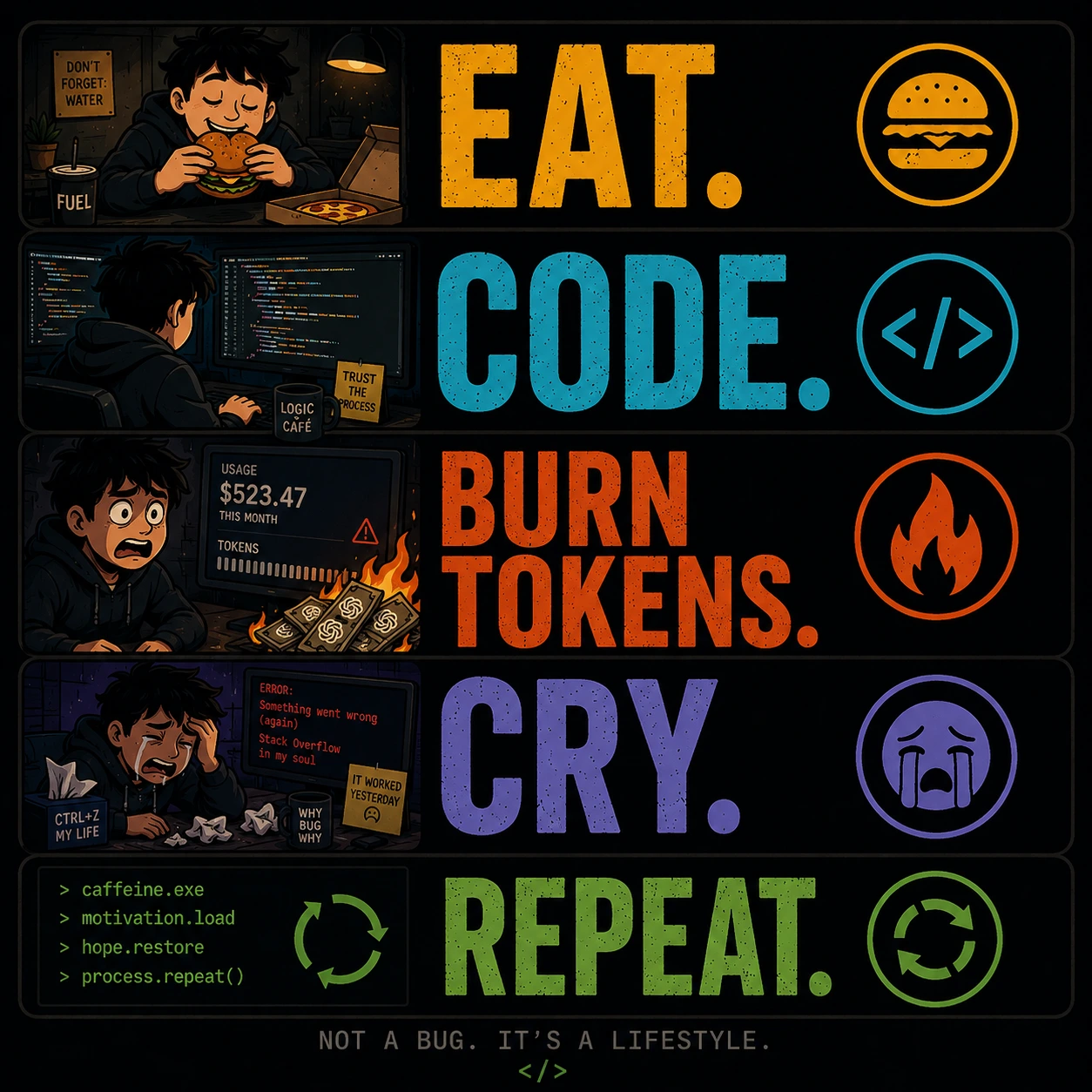
Five aligned panels with matching icons and a code block. Structured layout is the hardest ask, and it holds.
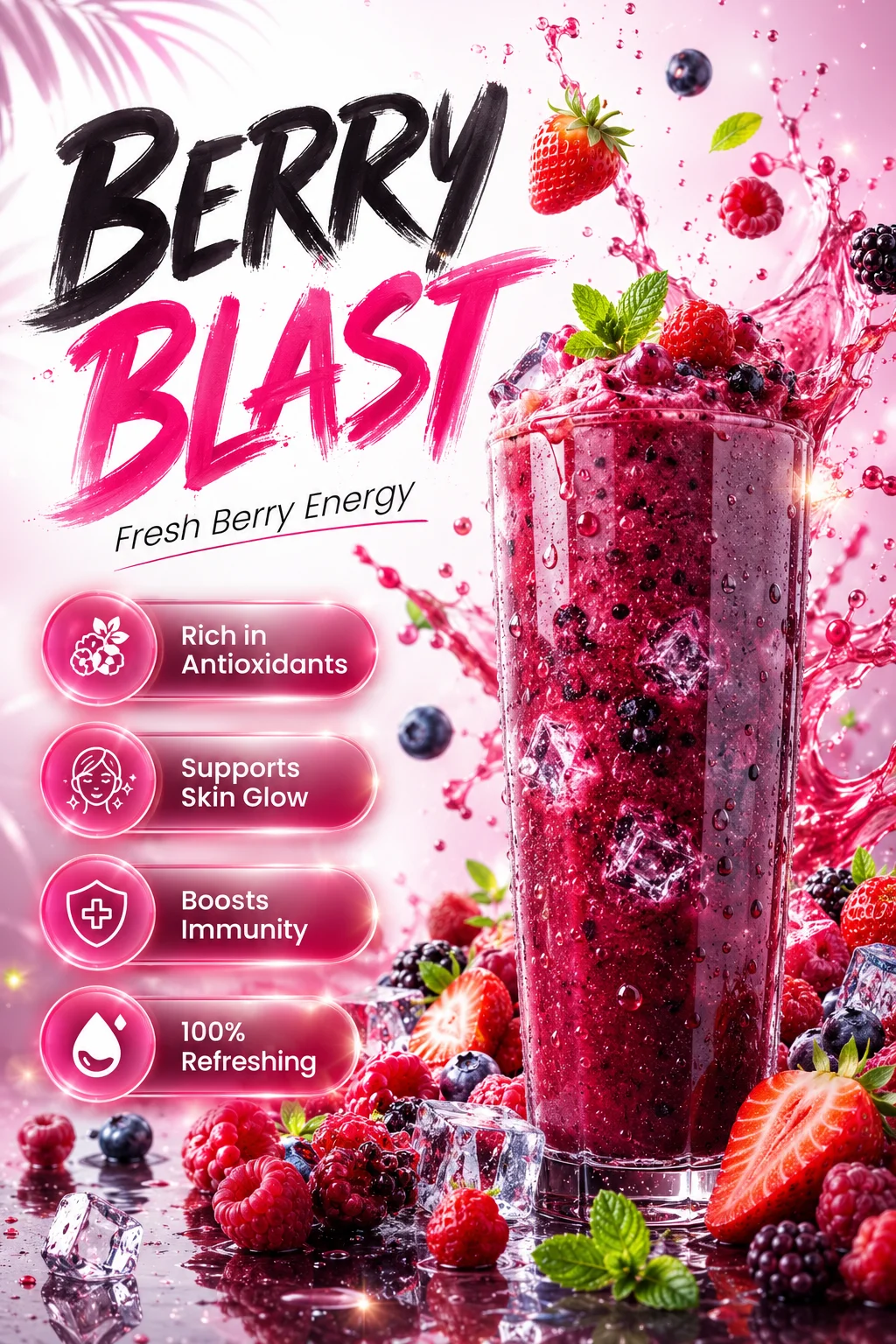
Product poster. Brush lettering, a four-item feature list with icons, and splash physics in one composition.
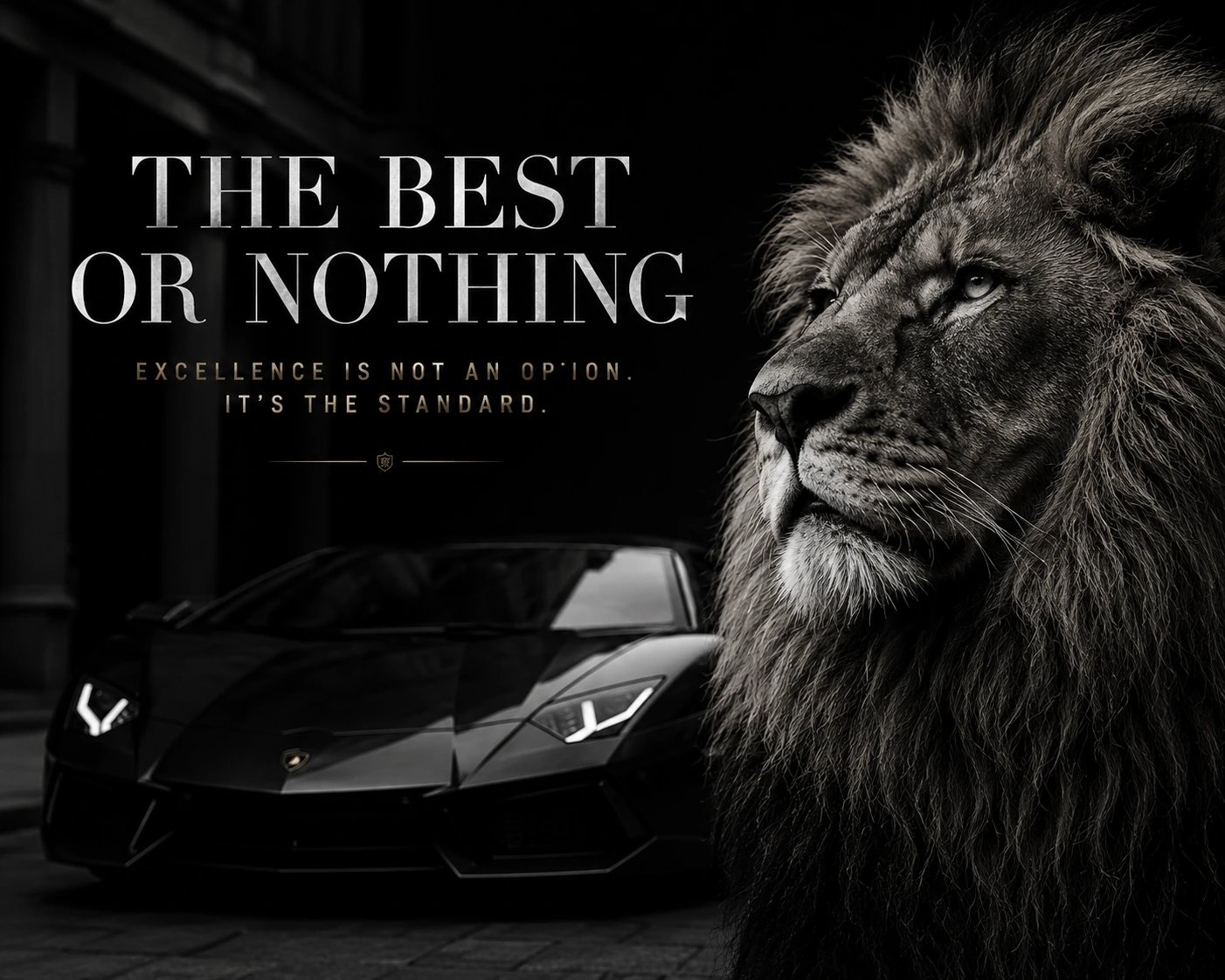
Restrained luxury layout. Fine letter-spaced small caps are where cheap renders usually fall apart.
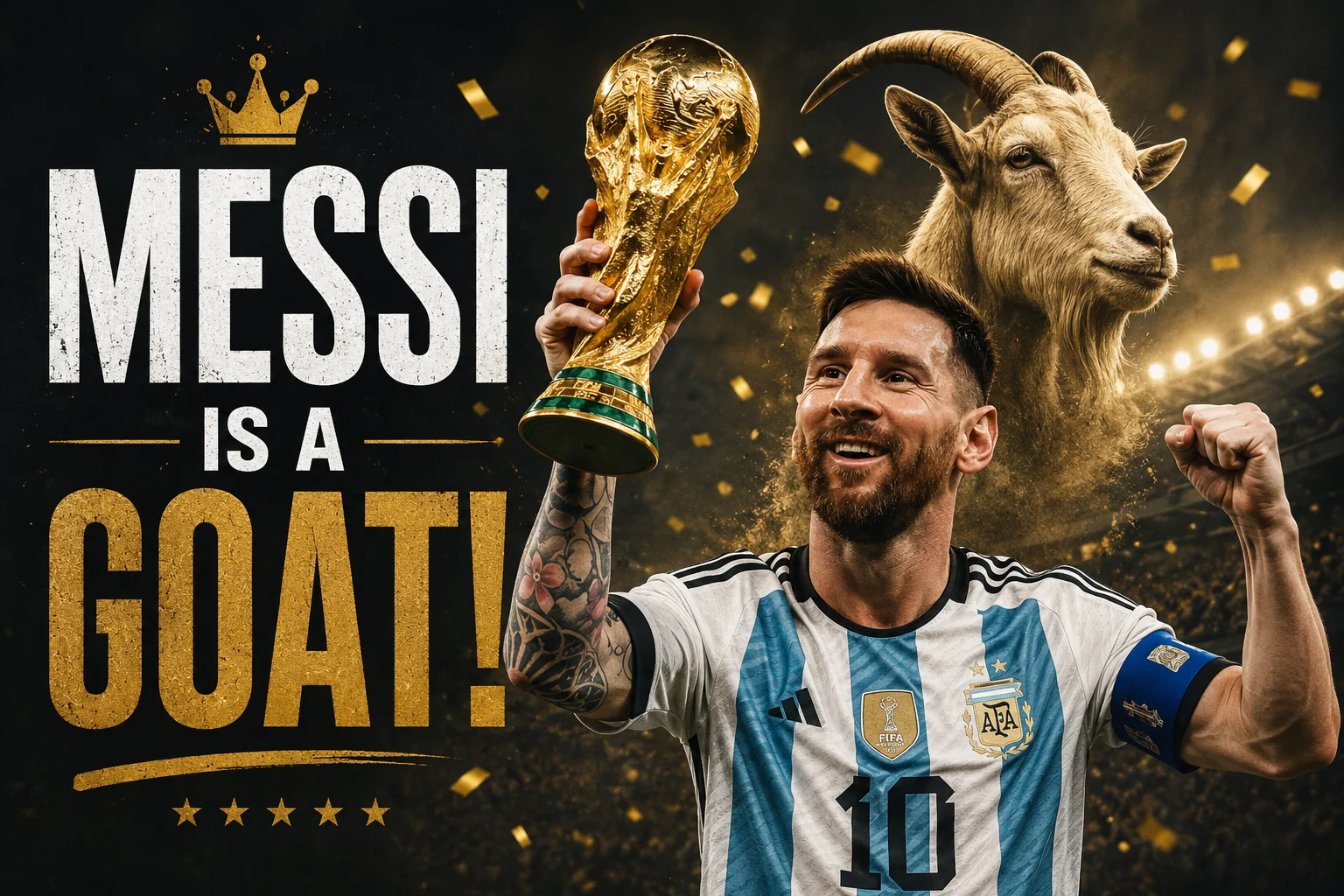
Sports-poster treatment: distressed type, gold texture, confetti, and a visual pun rendered literally.
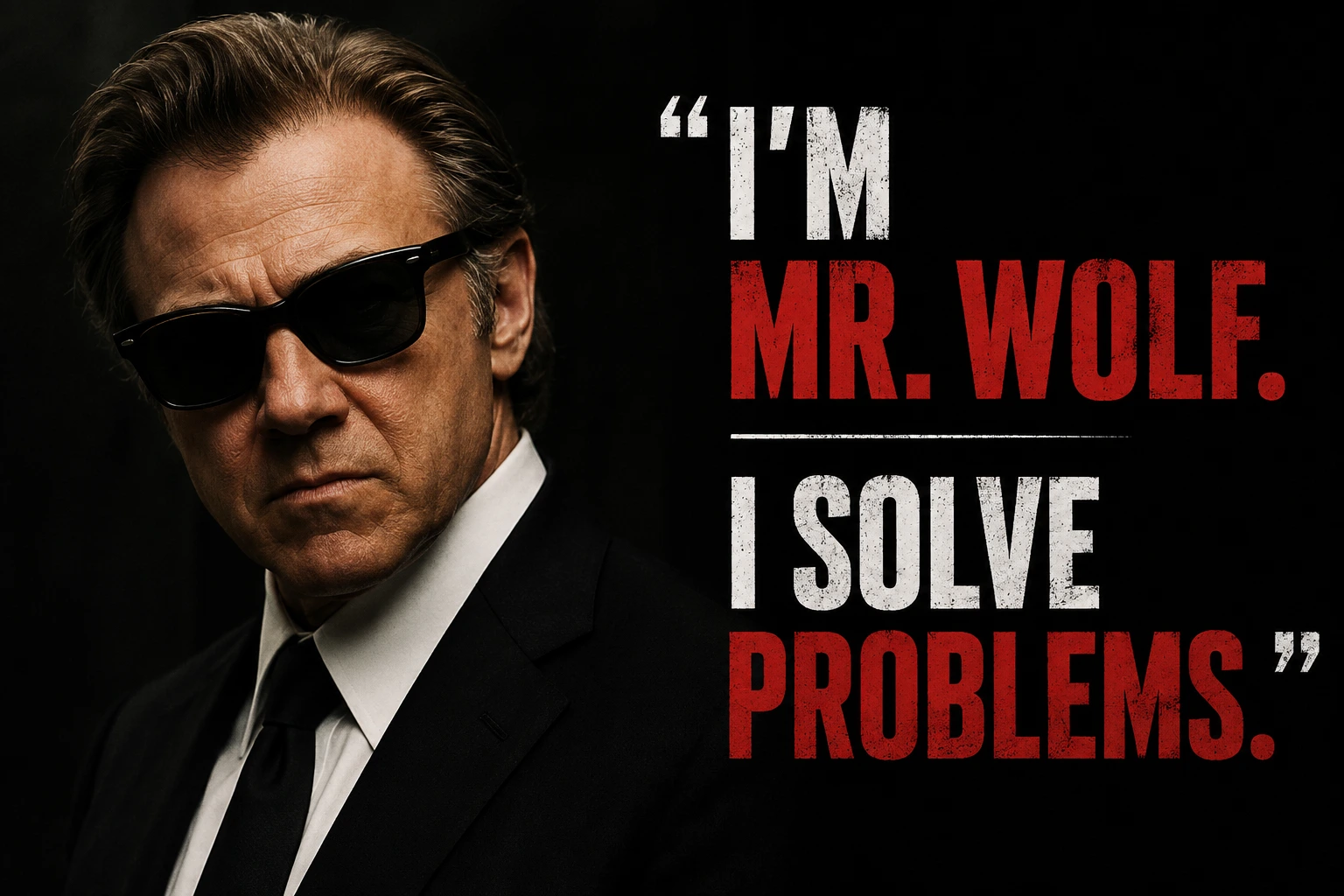
Portrait and quote lockup. Two type colours, a rule between them, and hard contrast.
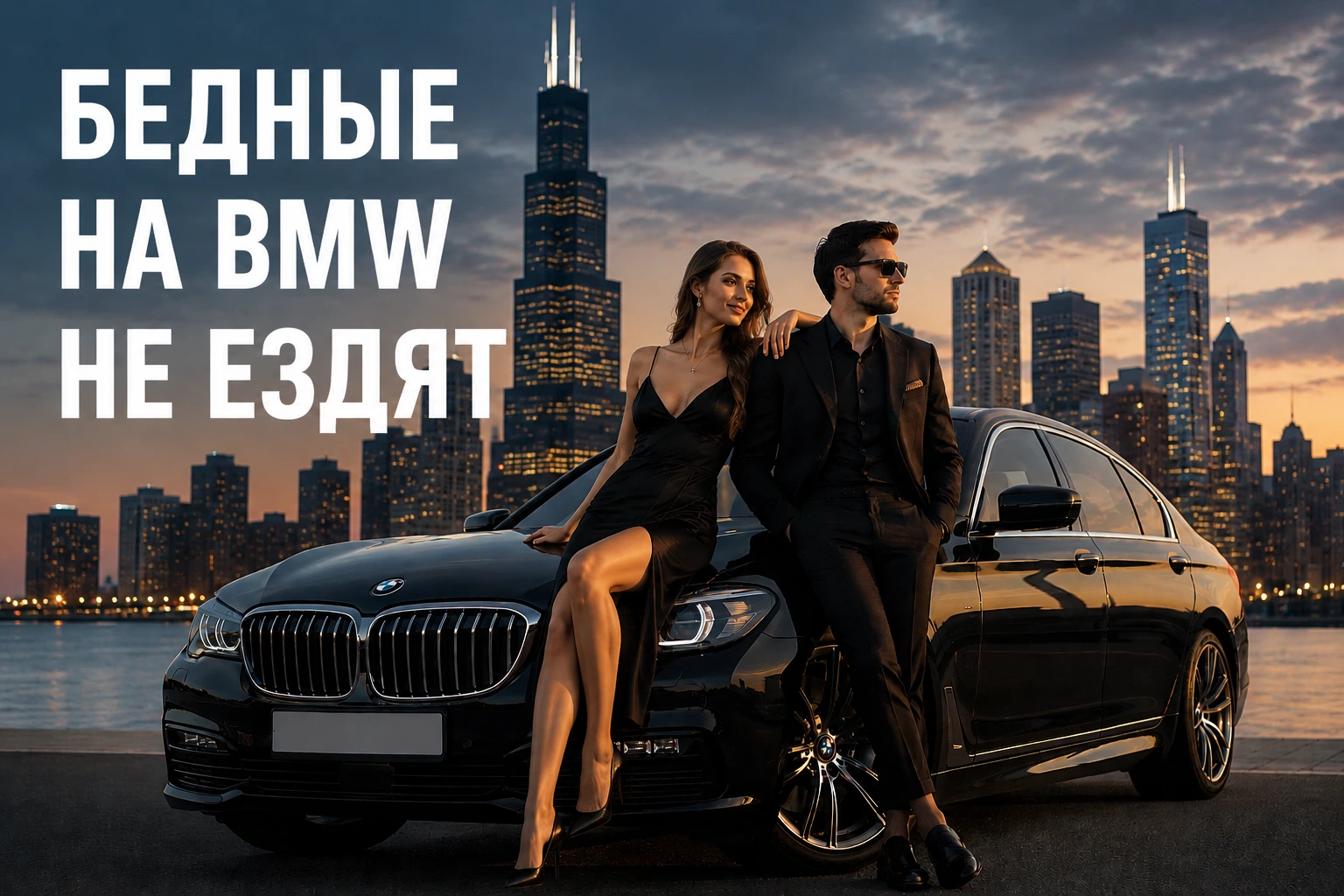
Cyrillic headline over a photographic composite. Non-Latin type is a harder ask than English.
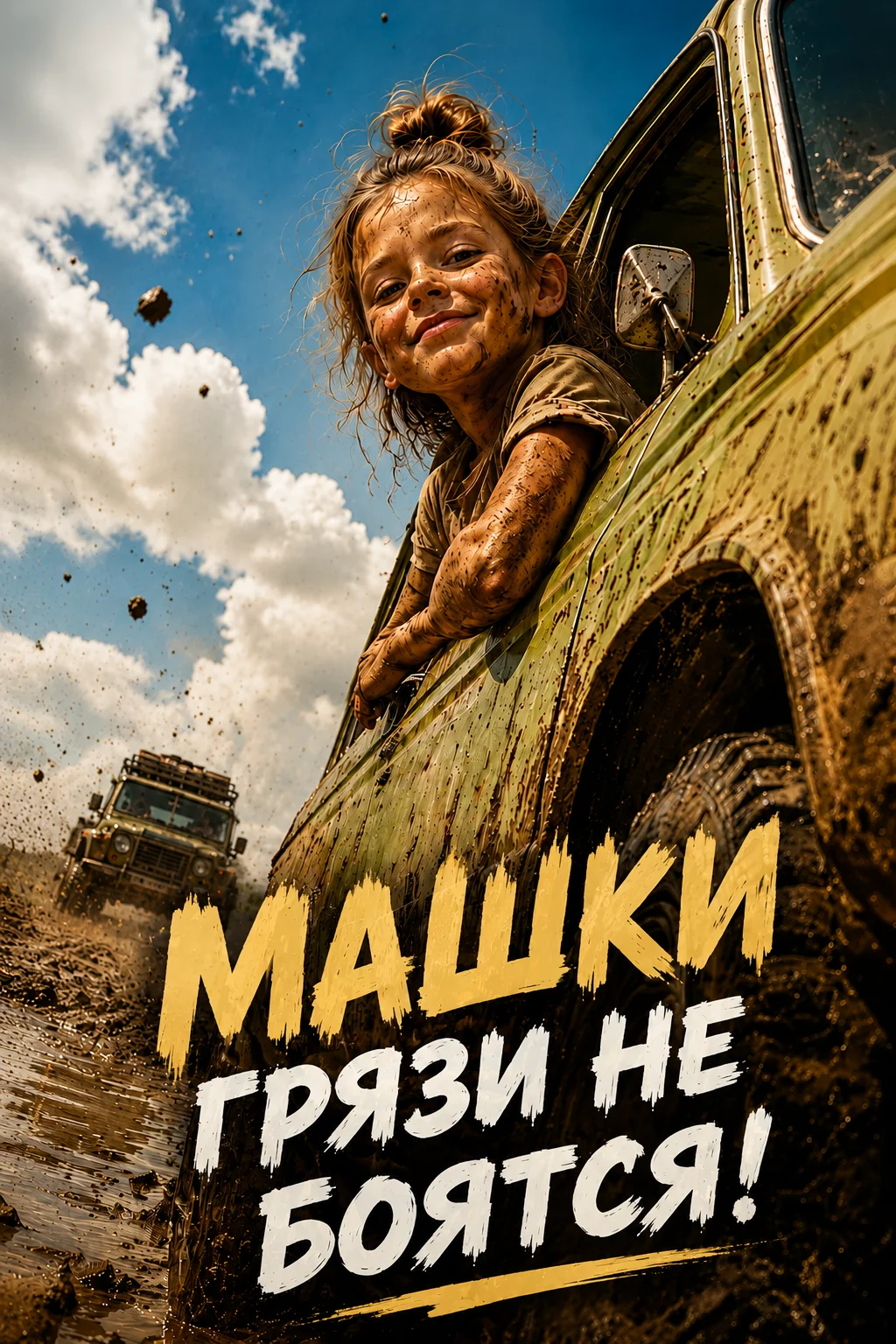
Action photography with the headline burned into the frame, following the angle of the vehicle.
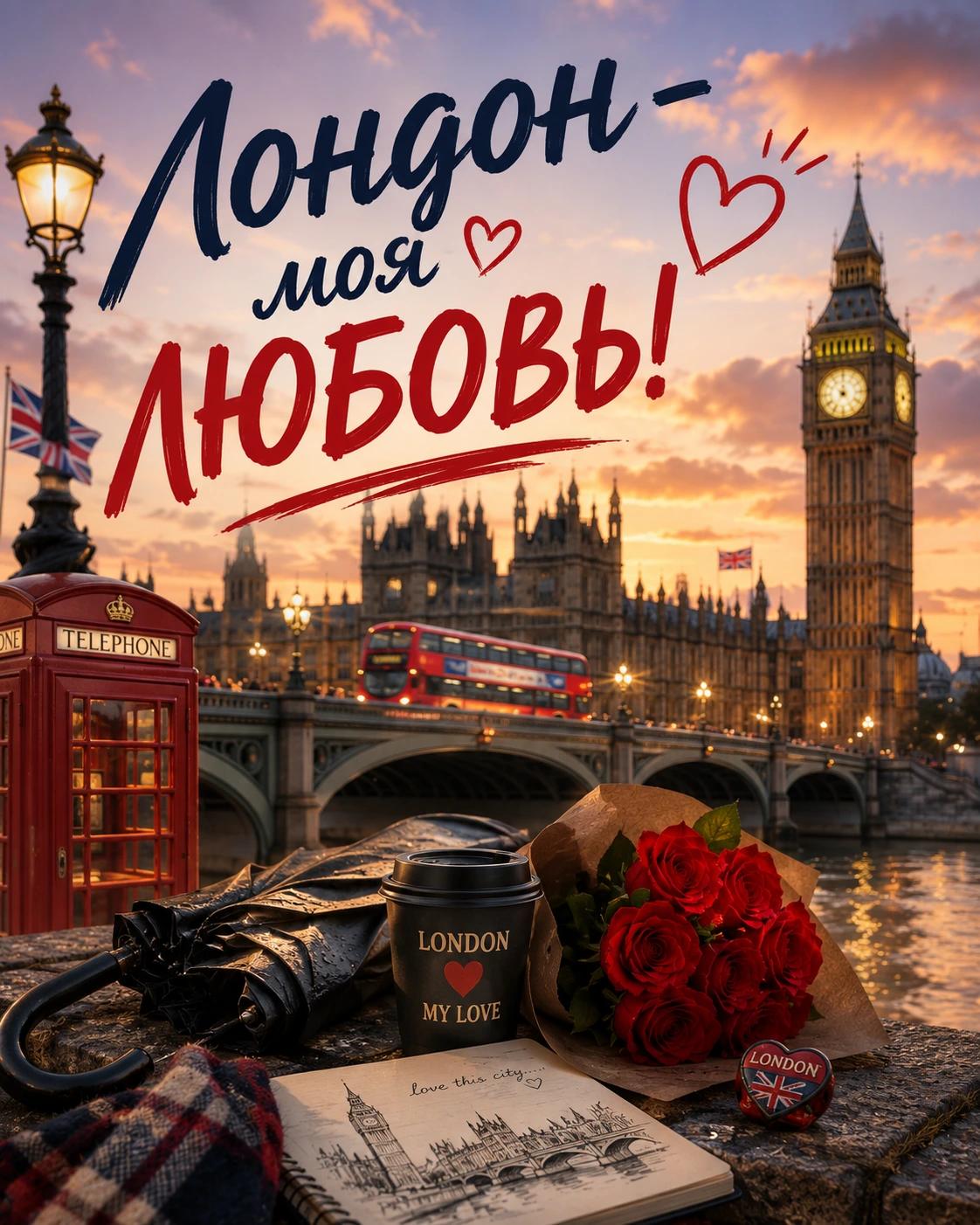
Postcard scene with script lettering, plus matching text printed on the coffee cup in the foreground.
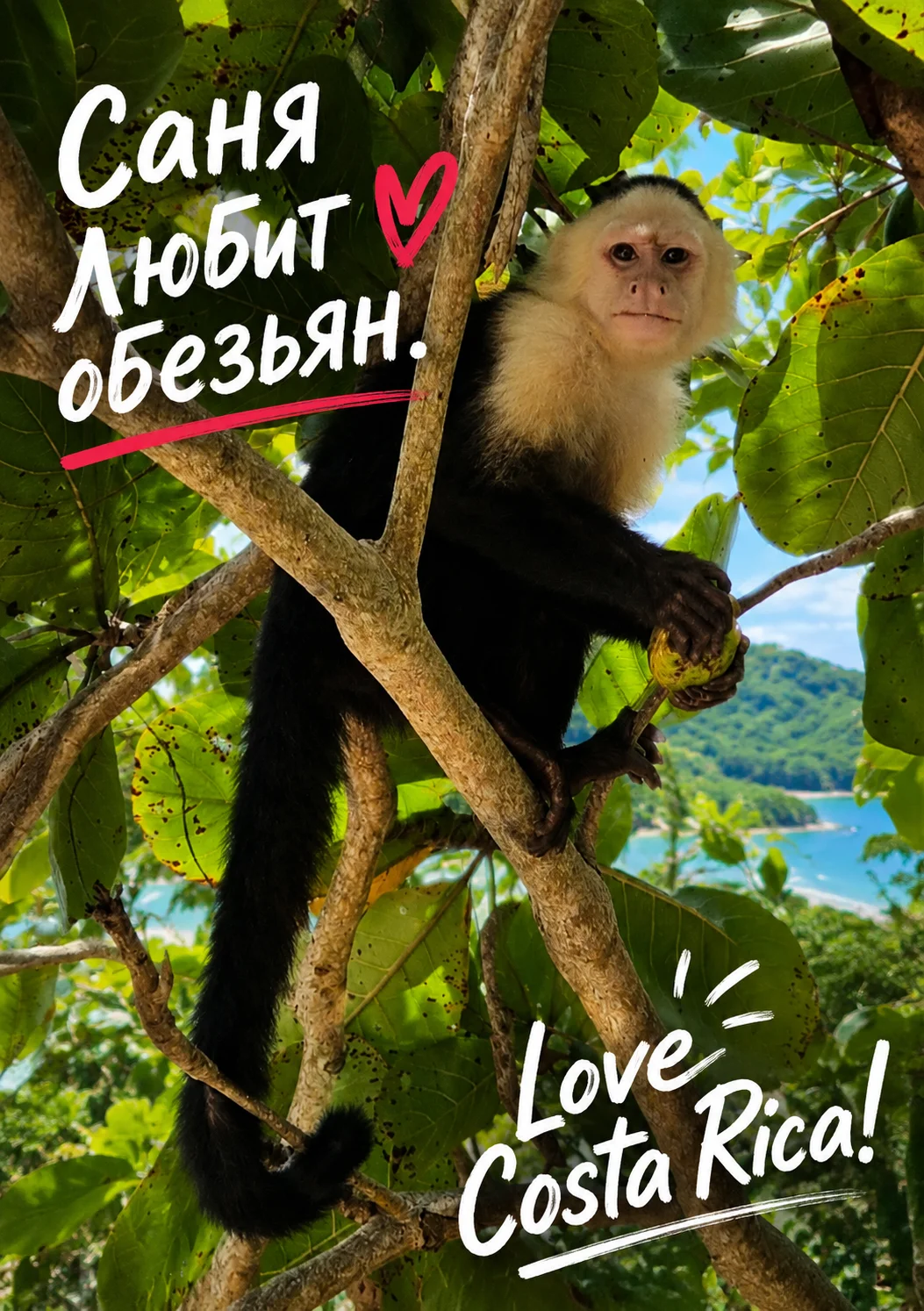
Two handwriting styles in two alphabets on one card, placed around the subject.
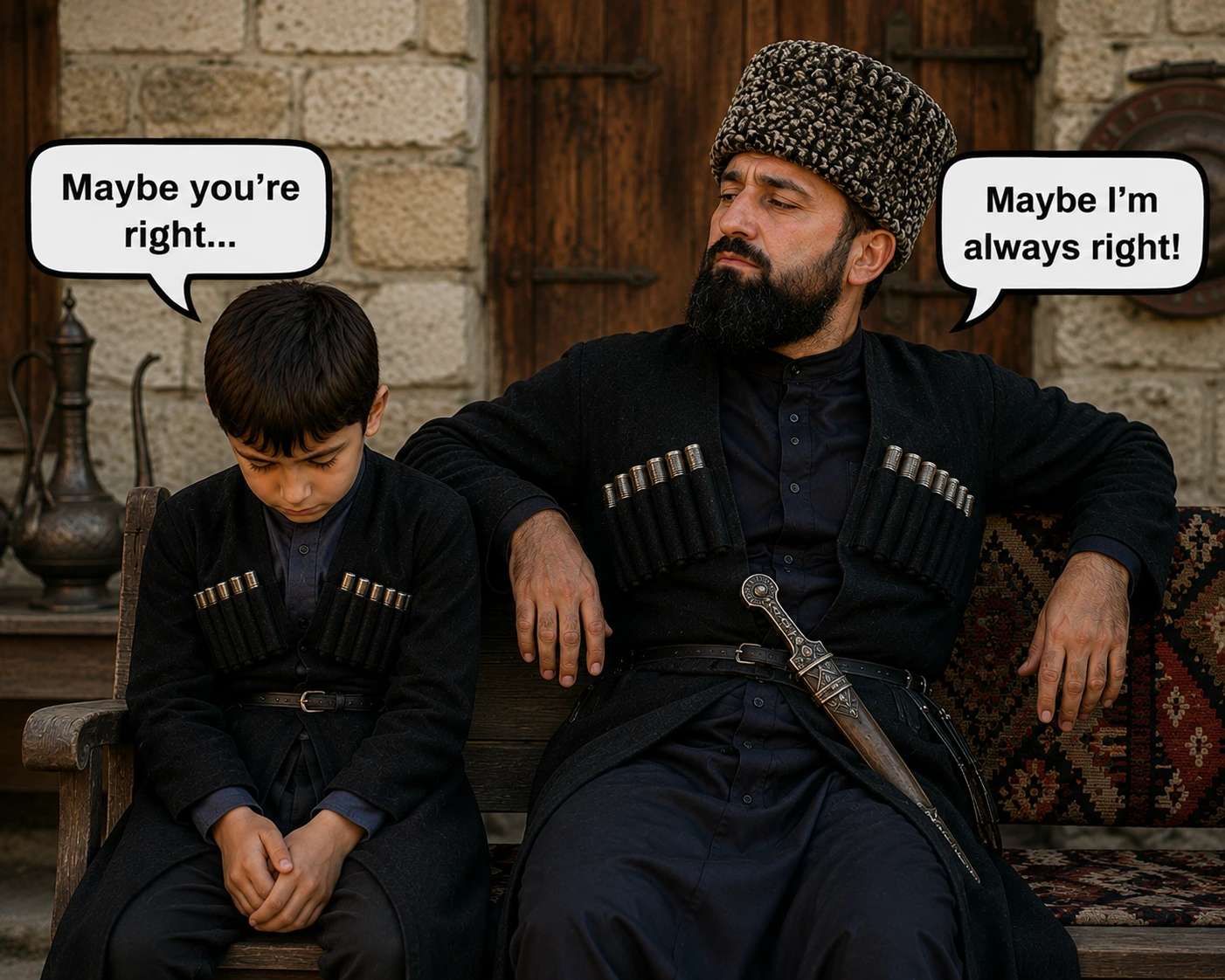
Comic speech bubbles with tails pointing at the right speakers - placement, not just rendering.
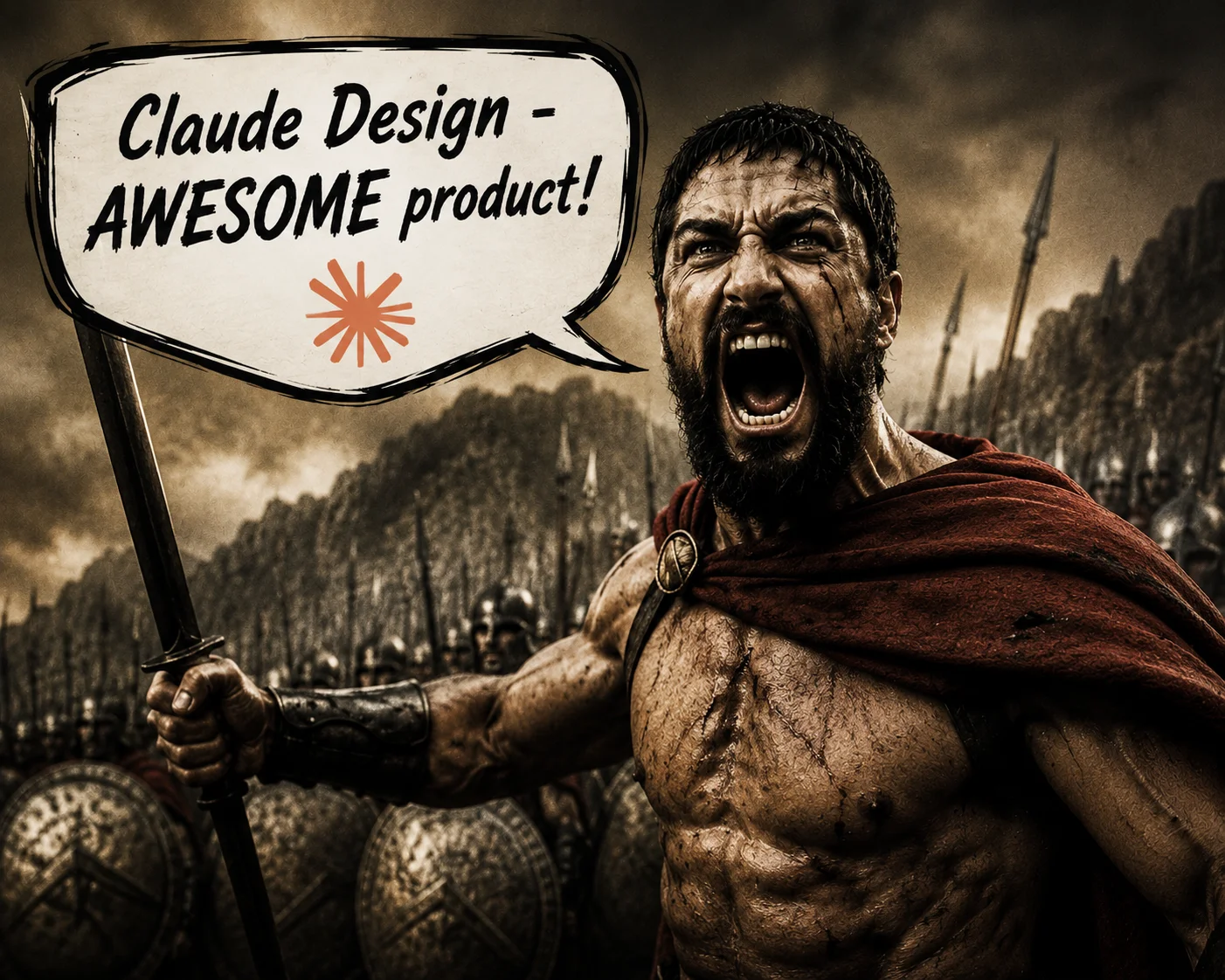
Text on an object inside the scene. The sign takes the same light and grain as the photograph.

Gold script with flourishes and snowfall. Ornamental type smears easily and this one stays crisp.
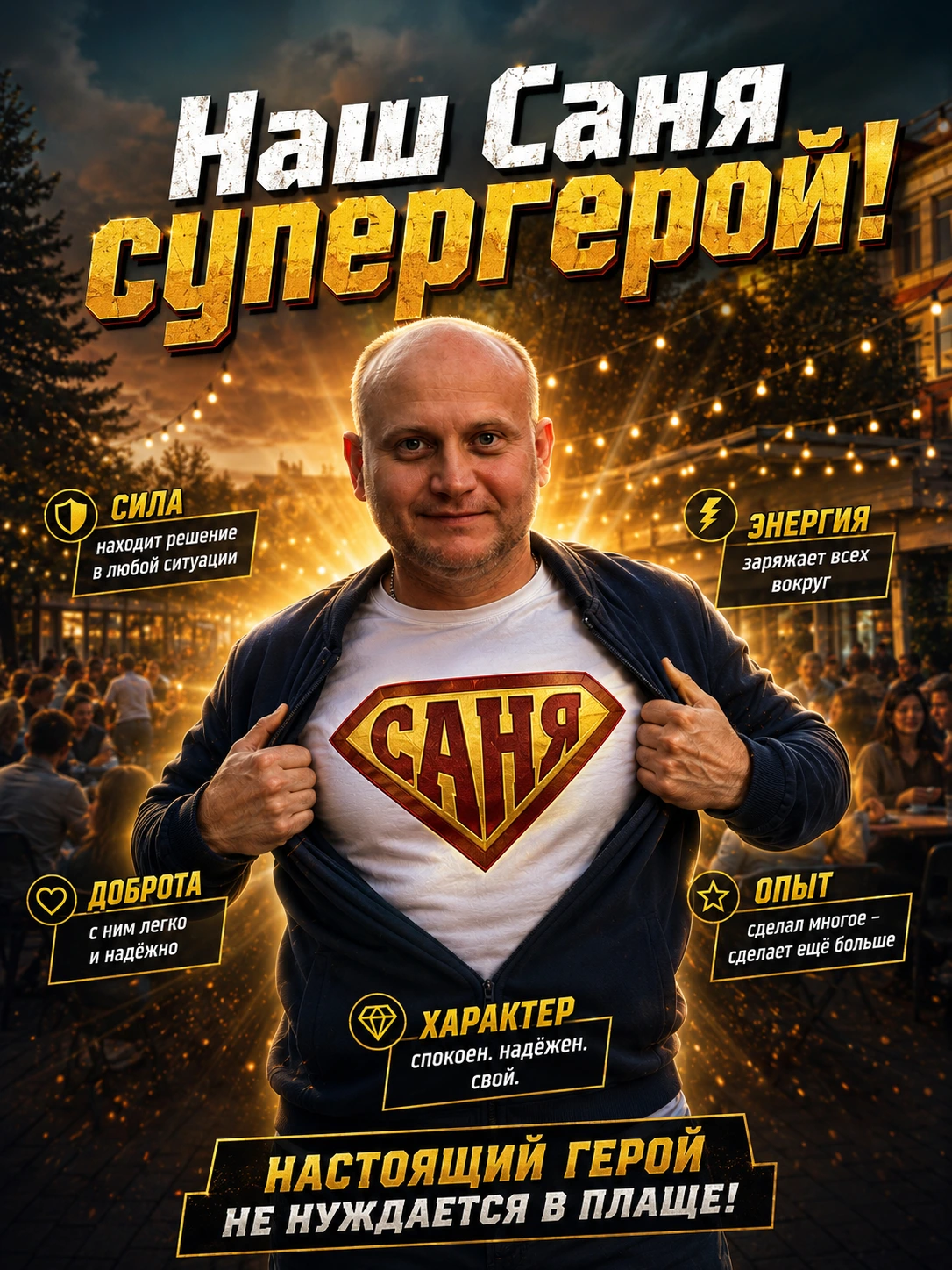
Six labelled callouts arranged around a subject, plus lettering on the emblem itself.
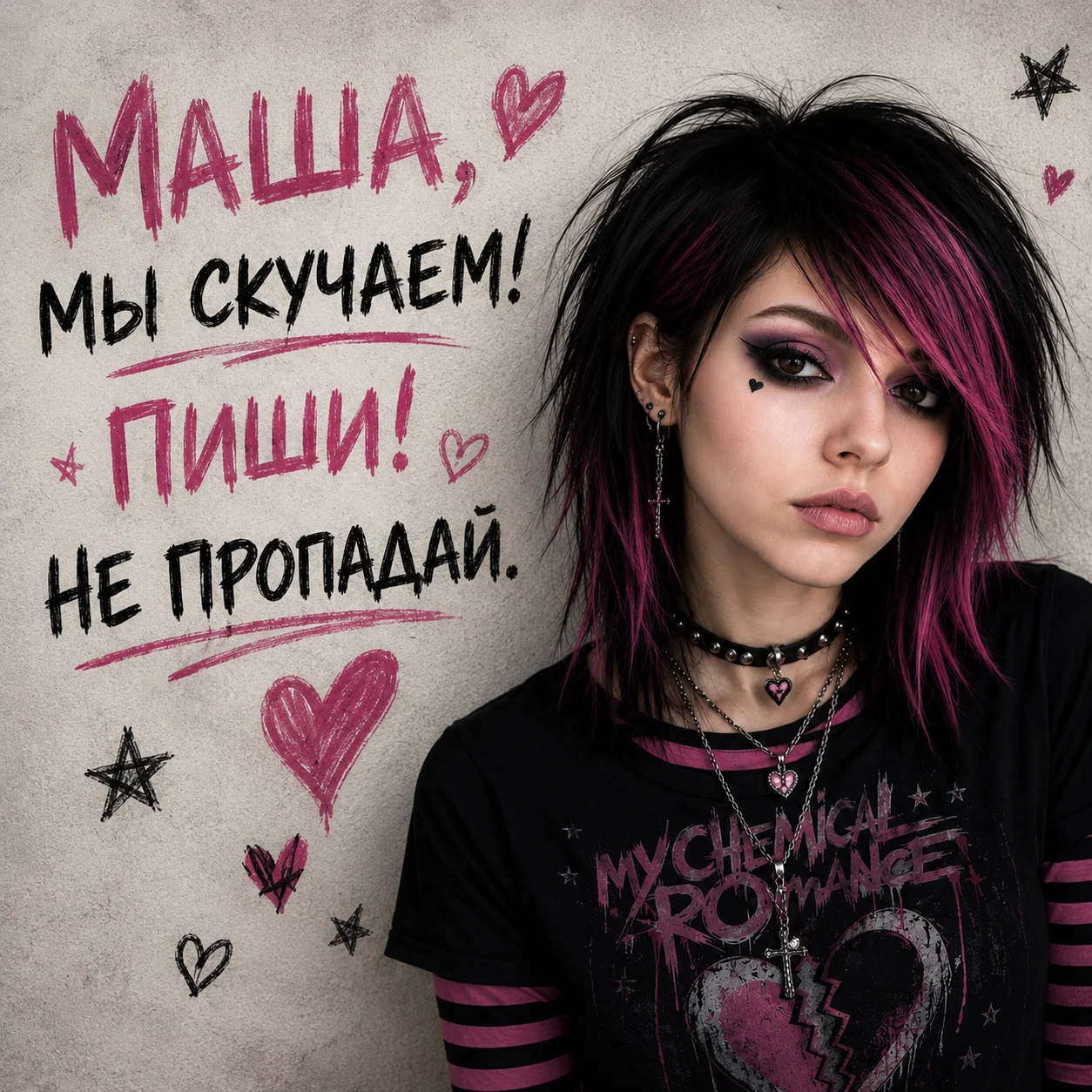
Marker-pen Cyrillic on paper texture, underlines and doodles included.
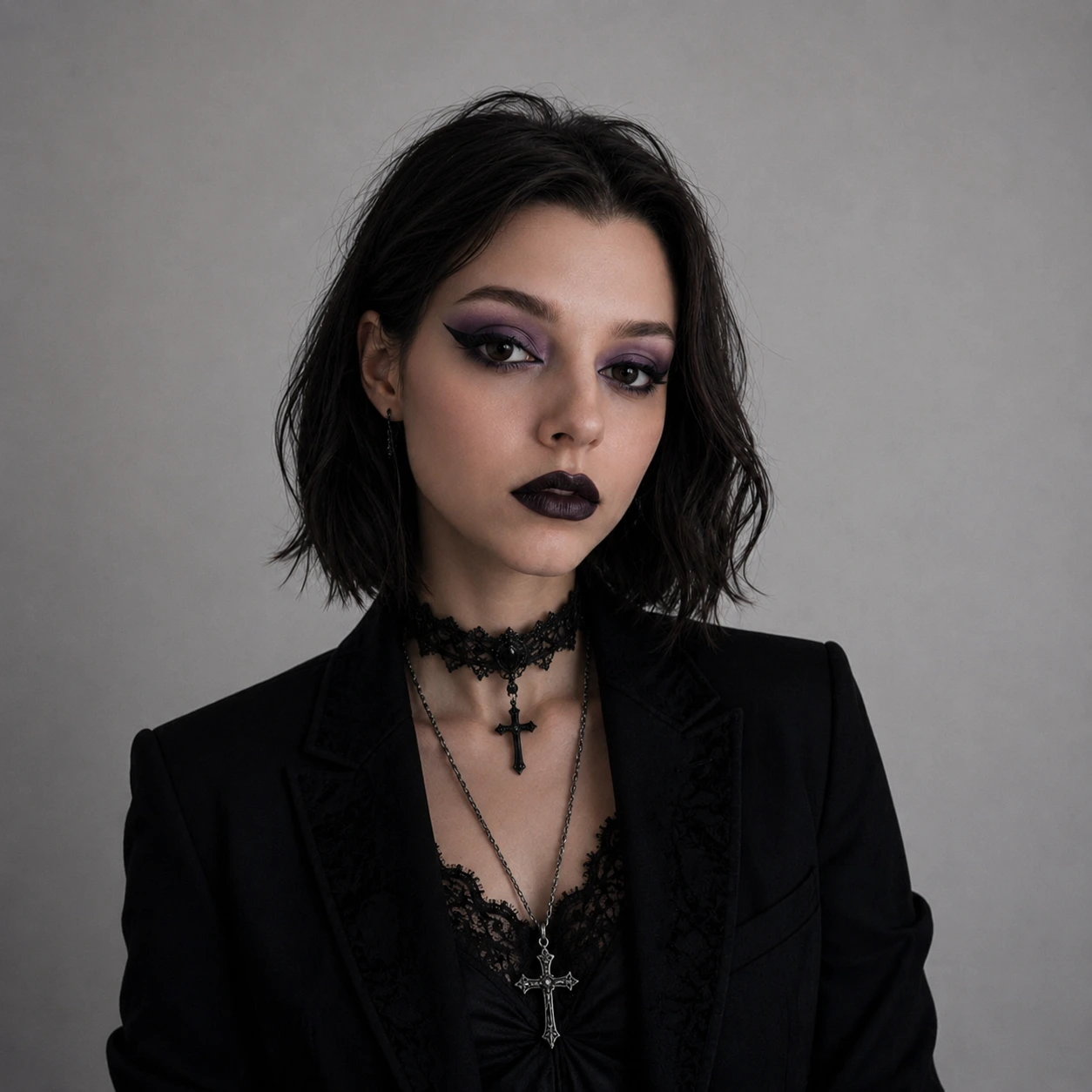
No text at all. Just skin, fabric and soft studio light - the baseline everything else is built on.
Every one of these is a single prompt with no post-processing. What they do not show is the failure rate: the misplaced character, the caption that reads almost right, the callout box that lands a few pixels off. Budget for a few attempts per keeper.
The model family
Four models are current, and they are not tiers of quality alone - they differ in what parameters they accept and how they are priced.
gpt-image-2
The current flagship. Accepts arbitrary resolutions inside a set of constraints, always processes reference images at high fidelity, and does not support transparent backgrounds.
gpt-image-1.5
The model most production work sat on before gpt-image-2, and still the fallback when you need a parameter gpt-image-2 dropped.
gpt-image-1
The first API model in the family. Keep it for compatibility with code and prompts that were tuned against it, not for new work.
gpt-image-1-mini
The cheap one. The right answer when cost is the first constraint and flagship quality is not yet worth paying for.
All four sit behind OpenAI's organization verification: you may need to complete API Organization Verification in the developer console before any GPT Image model will answer a request.
Two ways to call it
There are two API surfaces, and picking the wrong one is the most common early mistake. The model IDs above belong in the Image API. The Responses API does not take them in its model field - it takes a mainline model and a built-in image generation tool, and the tool chooses the GPT Image model for you. Both surfaces belong to a Platform account, not to ChatGPT - What is the OpenAI Platform? covers how the Responses API and its hosted tools fit together.
One prompt, one image
- You name the GPT Image model directly
- Two endpoints: generations and edits
- Returns base64 image data
- Best for: batch jobs, asset pipelines, a single generate-or-edit call
Images inside a conversation
- You name a mainline model and add the image generation tool
- Multi-turn editing: refine across turns instead of re-prompting
- Accepts uploaded File IDs as input images, not just bytes
- Best for: chat-shaped products where the image keeps evolving
The Image API call is as short as it looks:
The Responses API version reads differently: the image is one output item among several, and the mainline model rewrites your prompt on the way in. That revised prompt is returned in the revised_prompt field of the image generation call, which is worth logging when results surprise you.
Two consequences of that split are easy to miss. A Responses API request bills the mainline model's tokens on top of the image cost. And because the tool owns model selection, you cannot pin a GPT Image version there - if you need a specific model, use the Image API.
Editing, references, masks
The edits endpoint does three jobs that are worth separating in your head:
- Edit an existing image. Pass the image plus a prompt describing the change.
- Generate from references. Pass several images and ask for something new that contains them - the documented example builds one gift basket out of four product shots.
- Edit a region. Pass a mask marking the area to replace.
Masking has real constraints. The image and mask must share a format and size and stay under 50MB, and the mask needs an alpha channel - a plain black-and-white PNG will not do until you copy it into the alpha channel yourself. More importantly, masking here is prompt-based guidance rather than a hard stencil: the model treats the mask as a strong hint and may not honour its exact edges. If you need pixel-exact compositing, do that part in an image editor.
One parameter to know about by absence: input_fidelity, which controlled how strongly earlier models preserved detail from input images, is not settable on gpt-image-2. That model always processes image inputs at high fidelity, which is good for likeness and bad for your input token bill on reference-heavy edits.
What you control
Both APIs expose the same output knobs: size, quality, format, compression, and background.
- Size.
gpt-image-2accepts any resolution that fits its constraints - maximum edge 3840px, both edges multiples of 16, a long-to-short ratio no wider than 3:1, and a total pixel count between 655,360 and 8,294,400. Square renders fastest. Anything above roughly 2K is flagged experimental. - Quality.
low,medium,high, orauto. Draft atlow- it is the fastest setting and good enough for thumbnails and iteration - then re-render the keeper athigh. - Format and compression. PNG by default, JPEG or WebP on request, with
output_compressionfrom 0 to 100 for the lossy formats. JPEG is faster than PNG when latency matters. - Background.
transparent,opaque, orauto- but transparency depends on the model, andgpt-image-2does not currently support it. Cut-out assets still need an earlier model in the family. - Moderation.
autoby default, orlowfor less restrictive filtering. Blocked requests come back asmoderation_blocked, sometimes with a coarse stage and category you can log.
Both APIs can also stream. Set partial_images between 0 and 3 and you get progressively refined previews before the final render, which is the difference between a spinner and a progress bar in a user-facing product.
What it costs
Image output is billed in tokens, and the token count rises with size and quality. The published comparison at 1024x1024 is the quickest way to feel the shape of it:
Read that table for ratios, not for cents - prices move, and the pricing page is the number that bills you. The ratios are the durable part: a high-quality render costs roughly thirty times a low-quality one, and mini undercuts the flagship by a wide margin at every setting. A drafting loop that renders at low and only finishes at high is not a micro-optimisation.
Three costs sit outside that table. Editing adds input image tokens on top of output tokens, and they are higher on gpt-image-2 because every input is processed at high fidelity. Each streamed partial image adds 100 output tokens. And a Responses API call also bills the mainline model that drove it.
Where it fits
GPT Image is one of a handful of credible image models, and the honest way to choose between them is by where your workflow already lives rather than by leaderboard position.
- GPT Image. Native to ChatGPT and the OpenAI API. The strongest fit if your product already calls OpenAI models for text or agents, because images become one more tool call inside the same conversation.
- Nano Banana. Google's family, native to Gemini. Conversational in the same way, notably good at legible in-image text, and reachable through Workspace and Adobe surfaces.
- Midjourney. The aesthetic specialist. Less programmable, still the reference for a certain kind of art direction.
- Stable Diffusion. Open weights you run yourself. Maximum control, maximum operational burden.
- Adobe Firefly. The default when the pipeline is already Photoshop and Illustrator.
The practical differences between the hosted models are narrower than the marketing suggests. Integration, cost, and how each one handles your specific kind of prompt will decide it long before raw quality does.
When to reach for it
GPT Image is the right tool when:
- You are already building on the OpenAI API and want images in the same request shape as everything else.
- The job is programmatic - product shots, variants, thumbnails, marketing assets generated from structured data.
- The image needs world knowledge, not just style: a plausible dashboard, a labelled scene, a recognisable object rendered correctly.
- You want a conversational editing loop and are willing to run it through the Responses API.
Know the limits before you promise them to anyone. Complex prompts can take up to two minutes. Text rendering is much improved but still misplaces characters. Keeping one character or brand element consistent across many generations remains unreliable. And precise, layout-sensitive composition is still the weakest area - if an element has to land in an exact spot, compose it yourself and let the model fill the rest.
Reach for something else when you need transparent backgrounds from the newest model, when your pipeline lives inside Adobe, or when self-hosting is a requirement rather than a preference.
References
- OpenAI · Image generation guidedevelopers.openai.com
- OpenAI · Create image API referencedevelopers.openai.com
- OpenAI · GPT Image 2 model pagedevelopers.openai.com
- OpenAI · Introducing our latest image generation model in the APIopenai.com
- OpenAI · API pricingdevelopers.openai.com
- What is Nano Banana?stacknova · ai